
Network Branding
Your Retail Media Network should look and feel like your business. Network Branding lets you apply your logo and colour scheme so that suppliers and partners know they’re engaging directly with your network not just with Zitcha.
Why it matters
Giving your network a unique identity makes it easier for advertisers and partners to connect with you. Your logo and brand color appear inside the platform, so the experience feels consistent with your brand rather than generic.
How to Configure Network Branding
Only retailers can configure network branding.
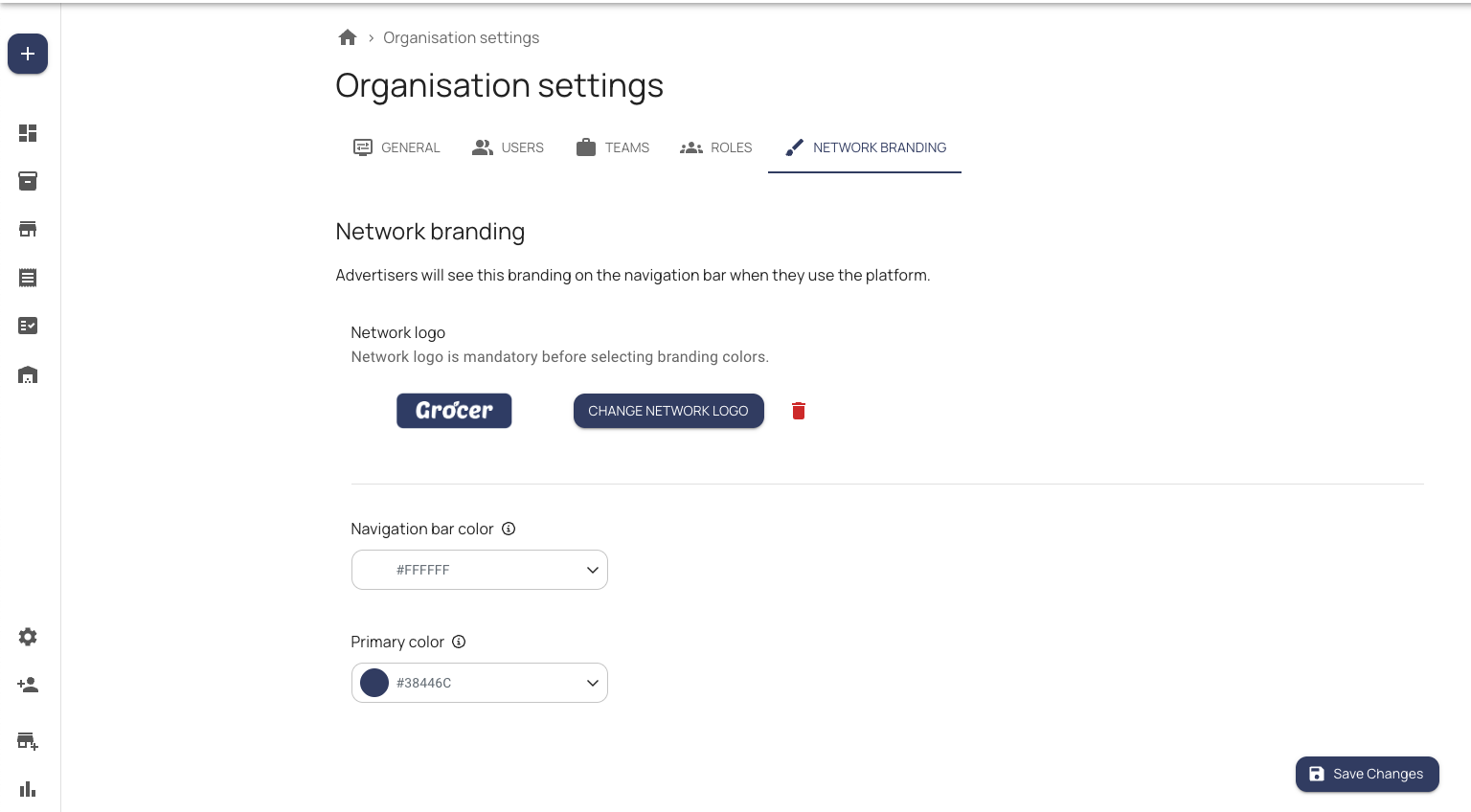
- In the top navigation, go to Organisation Settings.
- Click the Network Branding tab.
- Under Network Logo, click Upload Logo and select your file.
- Your Network Logo can be different from your Retailer Logo.
- To update your Retailer Logo, go to My Organisation instead.
- Under Network Colour, use the color picker to select your brand’s primary color.
- Click Save Changes in the top-right corner.
Once saved, your changes will apply immediately across your network.
FAQs
What does Network Branding include?
You can:
- Upload a Network Logo
- Choose a menu bar color that matches your brand
Note: The platform will still run on Zitcha’s domain, and system notification emails will continue to come from Zitcha.
What changes when I brand my network?
- For retailers: Your team will see your branded menu bar and logo when logging into the platform.
- For suppliers/advertisers: When they select your network to create or view an order, they’ll see your network’s logo and color theme.
Can all retailers use Network Branding?
Yes. Network Branding is available to all Zitcha retailer partners.
How do I access the settings?
Go to Organisation Settings > Network Branding. From there, upload your logo and choose a color.
Will users notice any disruption when I make changes?
No. Users will experience a seamless transition. Once you save changes, branding updates instantly across your network without interrupting normal use.
Is Network Branding enabled by default?
No. By default, the platform shows Zitcha’s branding. Your custom branding will appear only after you configure it in Organisation Settings.
Updated 5 months ago